
Remove Silence and Dead Air From Video With AI
Silence removal is the fastest win in video editing, but waveform trimming alone mangles pacing. Here is how understanding-based AI removes dead air without flattening the story.
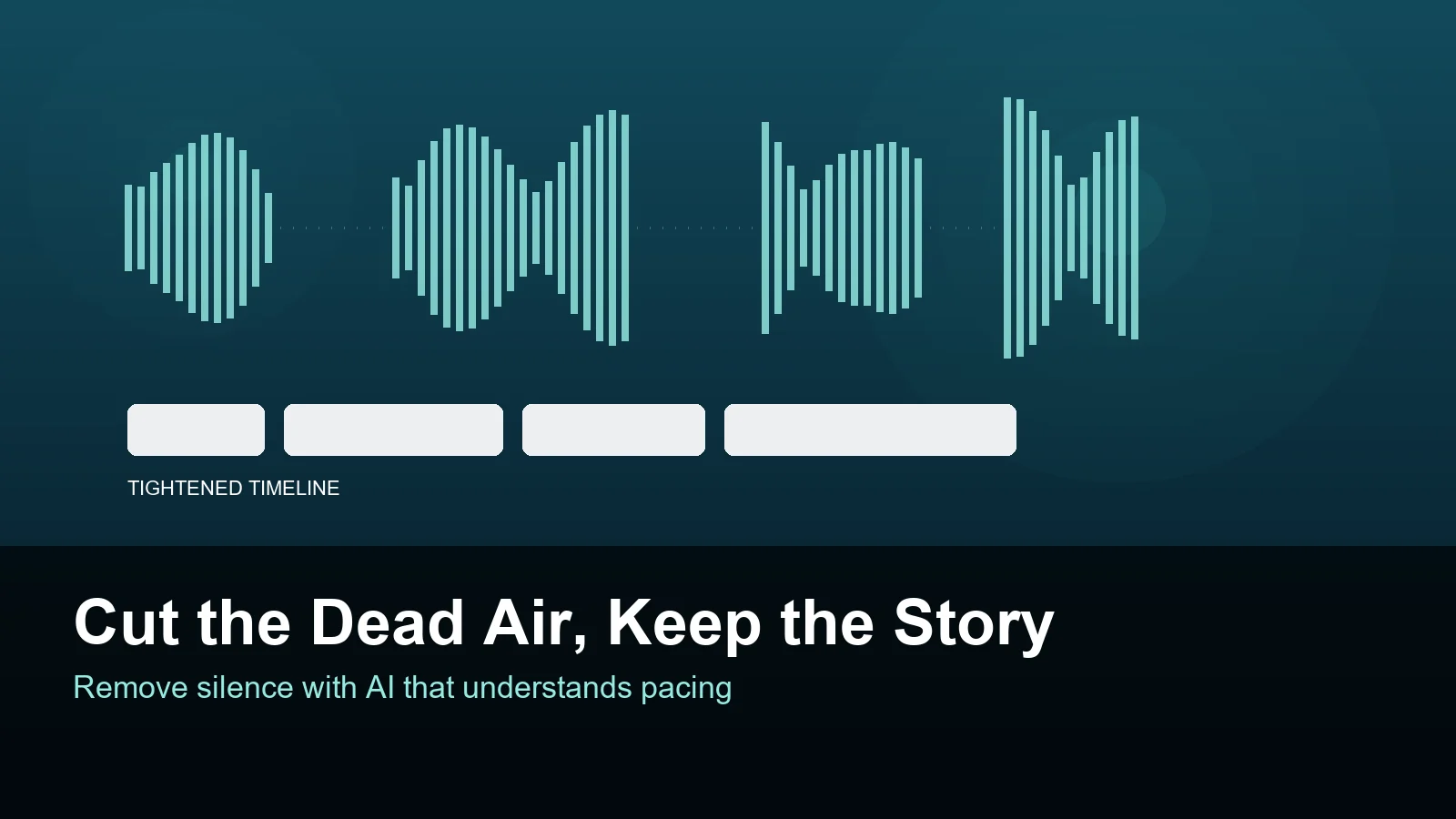
Ask any editor what eats their afternoon and the answer is rarely the creative part. It is the hours spent scrubbing a timeline, deleting the breath before every sentence, hunting the pause where someone checked their notes. Dead air is the least interesting material in your footage and it consumes the most attention. Removing it used to be manual labor with a razor blade and a zoomed waveform. Now an AI agent can do the first pass in minutes, but only if it understands what it is cutting, not just how quiet the audio is.
1. Why dead air survives the edit at all
Every editor knows dead air should go. The reason it stays is mechanical: finding it is tedious, and the cost of a mistake is high. Cut too aggressively and a sentence loses its breath and starts to sound robotic. Cut too little and the video drags, viewers drop off, and the algorithm quietly stops recommending you. So editors compromise. They cut the obvious three second gaps and leave the hundred small hesitations, because chasing each one means zooming into a waveform, listening, nudging an edit point, and repeating that two hundred times for a twenty minute video. The compromise is what makes footage feel slow even when nothing is technically wrong with it.
- A twenty minute talking-head video often contains four to six minutes of non-speech.
- Manual trimming averages two to four seconds per cut once you count listening and adjusting.
- Most editors stop trimming when fatigue sets in, not when the pacing is right.
2. Three kinds of dead air, only one of which is silence
The waveform shows you one problem and hides two others. The first kind is true silence: room tone, the gap before someone starts talking. The second is filler: the ums, the false starts, the sentence someone abandoned halfway and restarted. A waveform cannot see filler because it is speech. The third kind is the most expensive and completely invisible to audio analysis: a passage where someone is talking fluently and saying nothing the story needs. A ten second tangent about parking has perfect audio and should still be cut. Tools that only measure amplitude will tighten the first kind, ignore the second, and preserve the third, which is why a silence-stripped video can still feel long.
- Silence: measurable amplitude, easy to detect, easy to cut.
- Filler: audible, requires speech recognition to find.
- Irrelevance: fluent speech with no narrative value, requires understanding the point.
3. How understanding-based AI differs from a noise gate
Classic silence removal is a threshold. You set a decibel floor and a minimum duration, and everything below the line disappears. It is fast, deterministic, and completely blind. A transcript-based editor improves on this by deleting words, which handles filler but still treats every sentence as equally important. An understanding-based agent works from three signals at once: the audio amplitude, the speaker-separated transcript, and a read of the visual track. It knows when a pause is a rhetorical beat versus a stumble, and it knows which sentences carry the argument. That distinction is what lets it cut the tangent about parking while keeping the two second pause that lands a joke.
- Amplitude finds silence, transcripts find filler, understanding finds irrelevance.
- Speaker separation prevents the agent from cutting across two people talking at once.
- A visual read catches non-verbal moments that should never be trimmed away.
4. A workflow that finishes in one pass
Start by importing everything into one place and letting the agent process it before you touch anything. In ClipMind that means scene splitting, speaker-separated transcription, and a visual pass happen first, then the agent proposes a tightened timeline and a structured reverse script you can read before committing. Read the script, not the timeline. Mark the three or four beats you actually care about, and let the machine keep its cuts everywhere else. Then watch the rough cut at normal speed once, writing down only the moments where the pacing breaks, rather than pausing on every edit point. Fix those, add music and captions, and export. The whole pass takes an afternoon of attention rather than an afternoon of dragging.
- Process first, review second, adjust third, never the other way around.
- Review the script for substance and the timeline for rhythm.
- Note pacing problems in one viewing instead of auditing every cut.
5. Quality checks before you export
Aggressive silence removal has recognizable failure modes, and all of them are audible within thirty seconds. Listen for clips that start mid-breath, which usually means an edit landed a few frames late. Listen for sentences where the ends of words vanish, a sign the cut clipped the tail of a consonant. Listen for rhythm that is too even, where every gap is exactly the same length and the result sounds like a machine reading a list. Good pacing has variation: short gaps inside a thought, longer ones between ideas. Finally, check the visual track. A cut that removes a pause can also remove the reaction shot that made the pause funny, so keep an eye on what happens on screen when the audio changes.
- Trim edits a few frames later so consonants survive.
- Keep variance in pause length, otherwise the result sounds synthetic.
- Verify that removed pauses did not remove a reaction shot.
6. When silence is the point
Not every gap is waste. In interviews, a pause is often the most honest part of an answer, the moment someone decides whether to say the real thing. In tutorials, a beat of silence lets a viewer process a step before the next one arrives. In emotional footage, the absence of narration carries more weight than any line you could write. The rule of thumb is that silence earns its place when removing it changes the meaning, and loses it when removing it changes nothing. An agent that understands the content can flag those moments for you, but the judgment about which silences are load bearing is still yours, and it is one of the few places where human taste still beats a threshold.
- Keep silences that carry emotion, decision, or processing time.
- Cut silences that only exist because someone paused to think about logistics.
- Judge each gap by whether removing it changes the meaning.
FAQ
Can AI remove silence without ruining the pacing?
Yes, if it works from more than amplitude. Tools that only measure volume cut every gap to the same length, which is what makes automated results sound mechanical. An agent that reads the transcript and the story can keep pauses where they carry meaning and remove them where they do not, which is the difference between a tight cut and a robotic one.
How much time does automated silence removal actually save?
For a twenty minute talking-head video, manual trimming typically takes two to four hours once you count listening, adjusting, and re-listening. An understanding-based first pass brings that to minutes, and the review of an already-tightened cut is usually under thirty minutes. The saving is not only time but attention, because reviewing a cut is far less tiring than building one.
Does cutting silence hurt accessibility or captions?
It changes the timing, so captions need to be regenerated after the cut rather than before. Generate captions from the final timeline, not the raw footage, and check that no caption flashes for less than about a second. Reading speed matters more than exact sync for viewers who rely on captions, and that is another reason to leave slightly more air around dense sentences.
Should silence removal happen before or after I pick the story?
Pick the story first, or at least let the tool propose one before it tightens everything. If you strip dead air from raw footage indiscriminately you may delete the pause that reveals what the video is actually about. The safer order is understand, structure, then tighten, which is the order an understanding-based agent follows by default.